A simple guide to picking the right TV: how big to go for your room, HD vs Full HD vs 4K, and when QLED, Mini QLED, Google TV or an anti-glare screen is worth it.
Buying a TV used to mean choosing a size and a brand. Today there are HD, Full HD and 4K screens, Smart TVs and Google TVs, QLED and Mini QLED panels, and sizes from 24" all the way to 100". This guide walks through the three decisions that matter most, so you get a TV that suits your room, not just the showroom.
1. Start with your room: size and viewing distance
Measure the distance from where you sit to the wall where the TV will go. A bigger screen only looks better if you sit far enough back for it, and with a 4K screen you can sit closer without seeing pixels.
- Up to 1.5 m (bedroom, study): 24" to 32"
- 1.5 to 2 m (small living room): 40" to 43"
- 2 to 2.5 m (living room): 50" to 55"
- 2.5 to 3.5 m (large living room): 65" to 75"
- 3.5 m and more (home theatre, hall): 85" to 100"
Tip: if you are torn between two sizes, most people who buy the smaller one wish they had gone bigger. Once you're used to it, a TV almost always looks smaller at home than in the shop.
2. Resolution: HD, Full HD or 4K UHD?
HD is fine for 24" and 32" screens in bedrooms and kitchens. Full HD suits 40" to 43". From 43" upwards, choose 4K UHD: it has four times the pixels of Full HD, so large screens stay sharp, and most streaming apps already offer 4K content.
3. Panel and software: what the names mean
Smart TV
Streaming apps, screen casting from your phone and USB media playback built in. Yara Smart TVs run from 32" to 98". If you only watch cable or a set-top box, a simple non-smart HD LED TV in 24" or 32" does the job.
Google TV
A Smart TV with Google built in: the Google Play Store, Chromecast built-in and voice search with the remote. It brings together recommendations from all your apps on one home screen. Yara Google TVs come in HD, Full HD and 4K UHD.
QLED
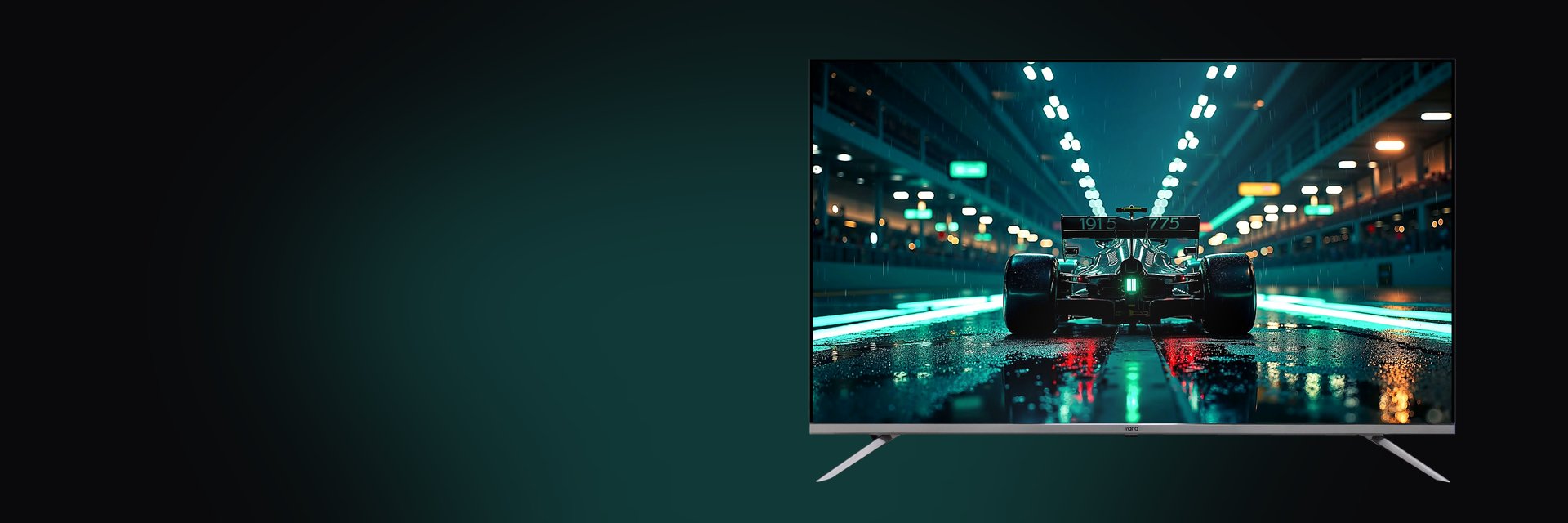
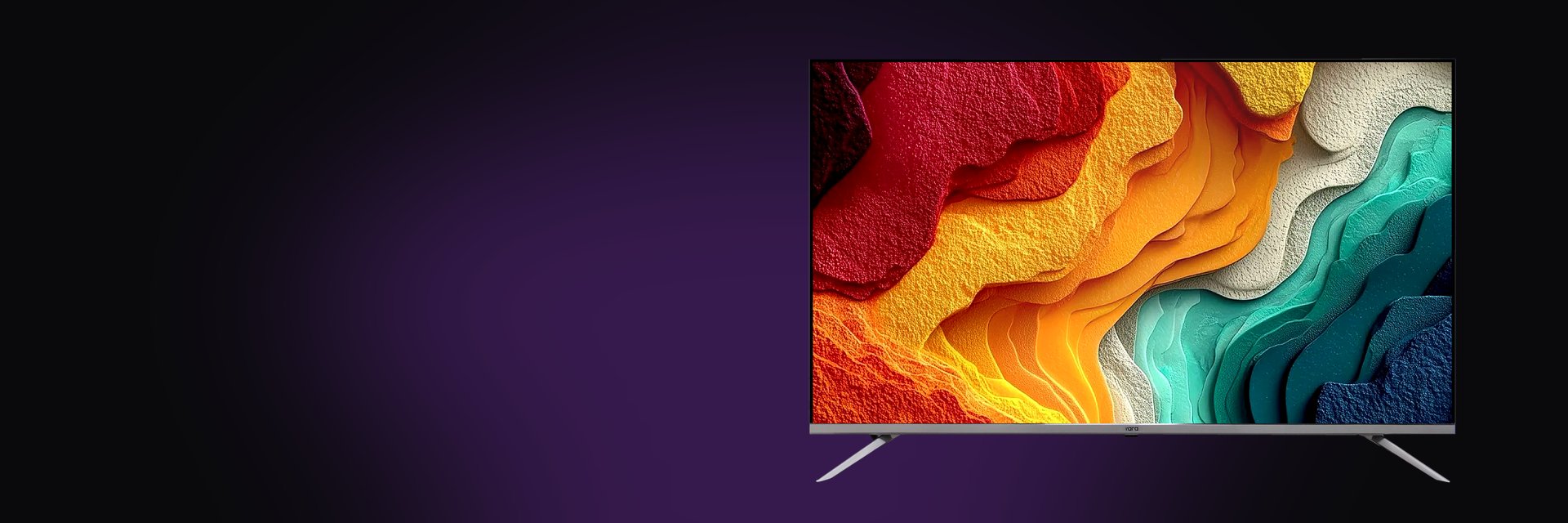
QLED TVs add a layer of quantum dots that produce purer, brighter colours, over a billion shades, than a standard LED panel. Reds and greens look richer, and colours hold up better in a bright room. Yara QLED TVs run from 32" to 85" with Dolby Audio.
Mini QLED
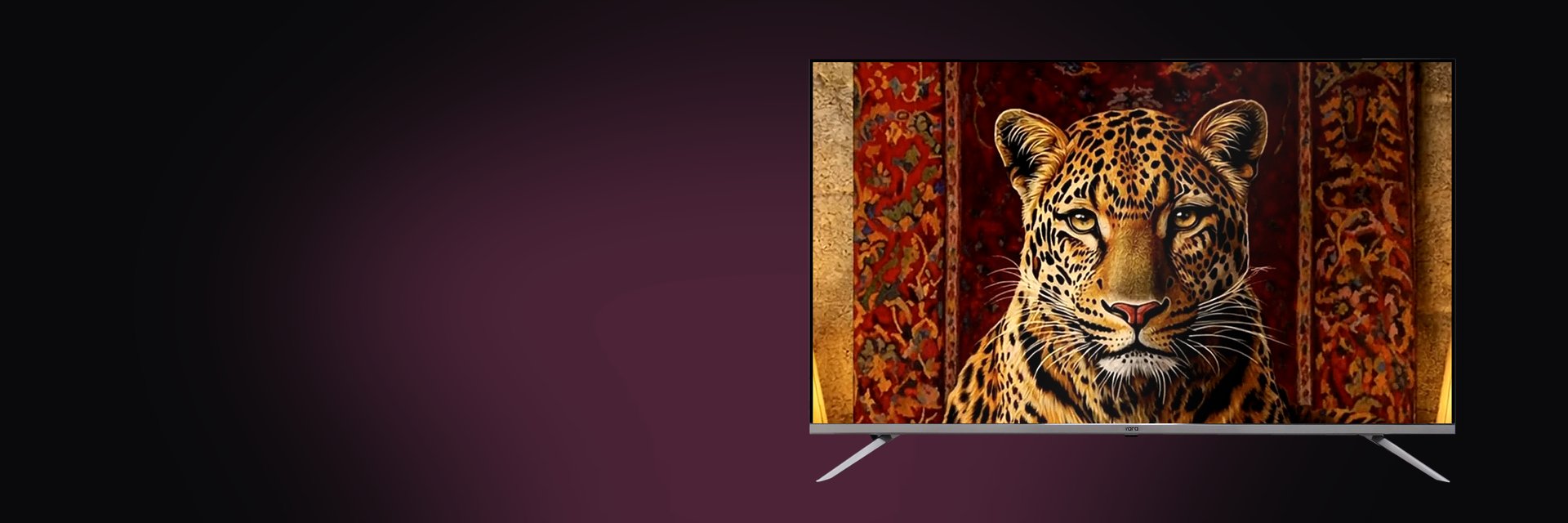
Mini QLED uses thousands of tiny LEDs behind the screen, grouped into local dimming zones. Bright parts of the picture get brighter and dark parts stay truly dark, which is what makes HDR films look their best. Yara Mini QLED Google TVs come in 75", 86" and 100", with up to 700 nits and 10,000:1 contrast.
Anti-glare
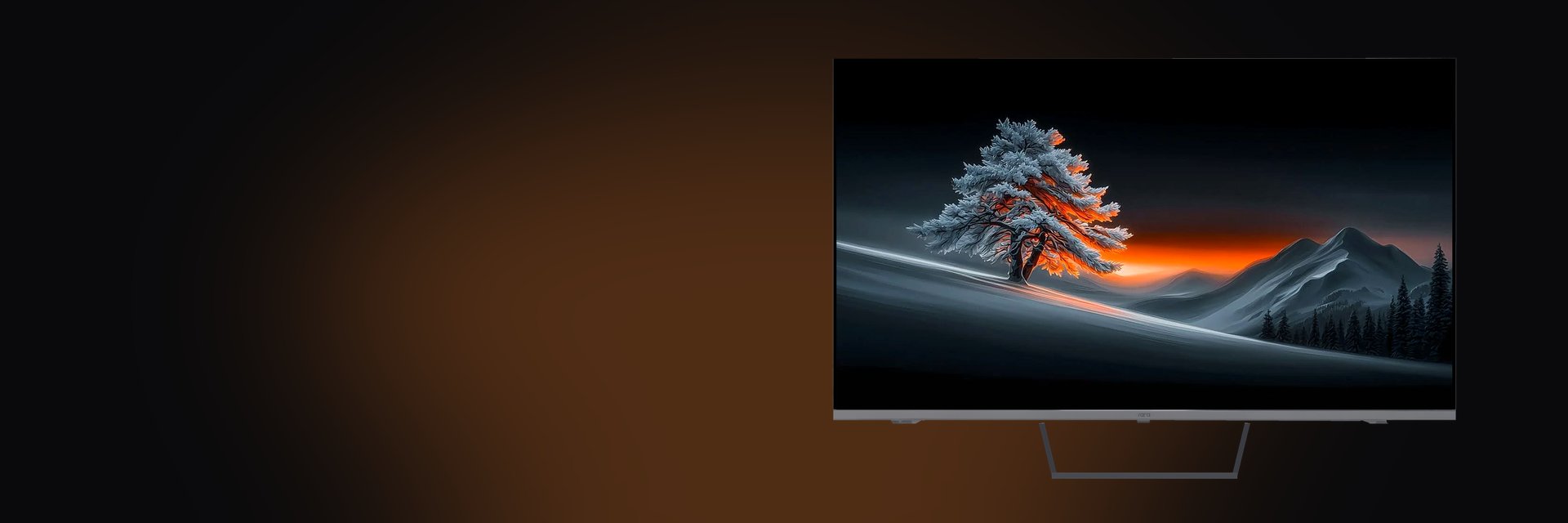
Living rooms with big windows or bright lights opposite the TV suffer from reflections. A matte, anti-glare QLED screen scatters that light so the picture stays clear during the day. Yara anti-glare TVs come in 65", 75", 86" and 100".
Quick checklist before you buy
- Measured seating distance and wall space (or stand width)
- 4K for anything 43" and above
- Google TV if you want apps, Chromecast and voice search in one place
- QLED or Mini QLED if colour and HDR matter to you
- Anti-glare if the room gets a lot of daylight
- Enough HDMI and USB ports for your set-top box, console and soundbar
Still not sure? Browse the full Yara TV range or talk to our team on WhatsApp, and we'll help you pick the right one.
Interested in our display solutions?
Book a free demo and see them in action.